FUSER | Fix Clashing Frequencies
Product Name: FUSER
Product Type: Audio plugin
Brand: Mastering The Mix
Primary Category: Frequency masking / unmasking plugin
Primary Use: Identifying and reducing frequency masking between two tracks
Best For: Kick and bass, vocals and instruments, layered drums, dense mixes
Formats: VST3, AU, AAX
Platforms: macOS and Windows
License: 2 license seats as standard
Description
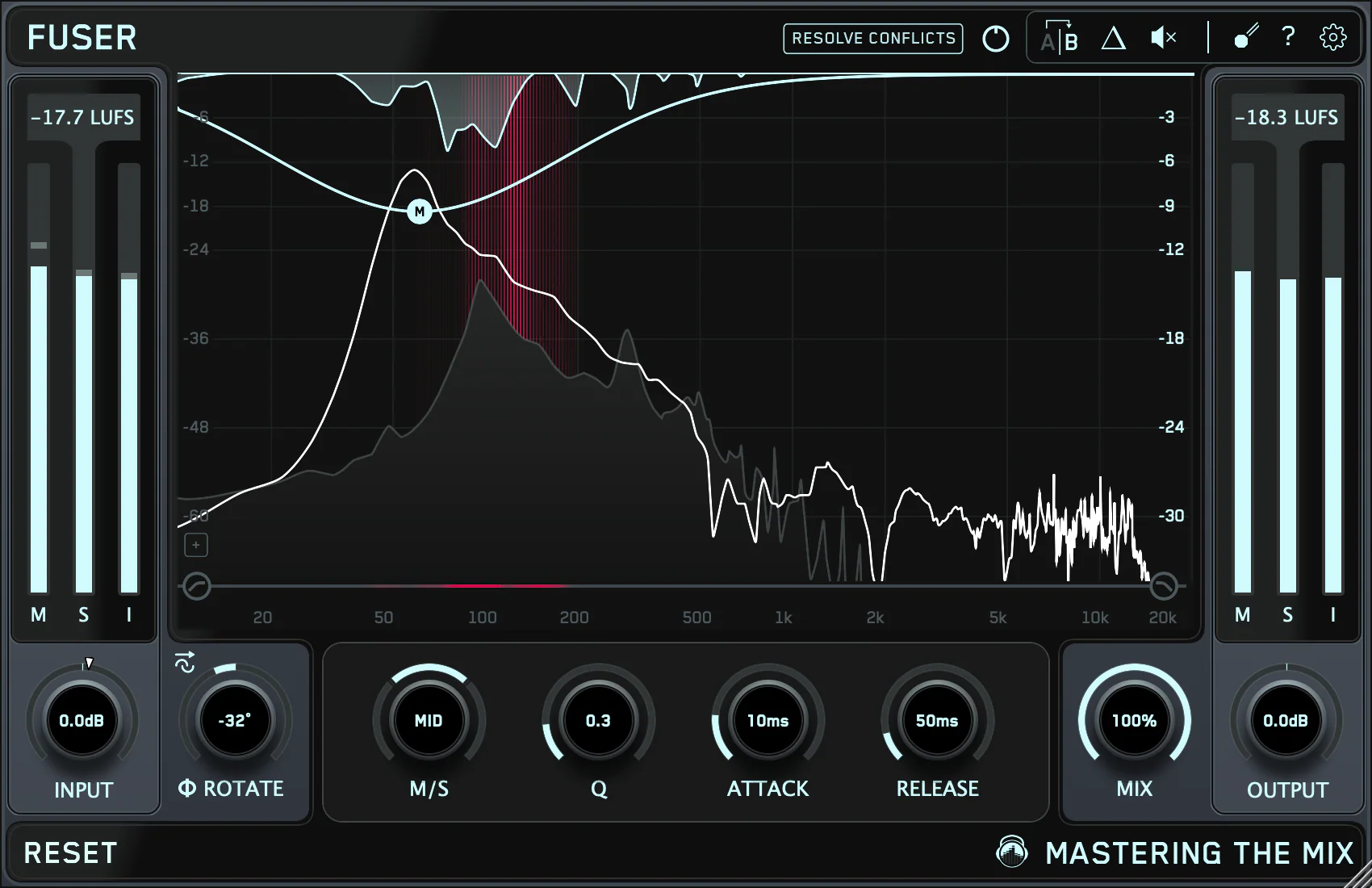
FUSER is an audio plugin from Mastering The Mix that helps producers identify and reduce frequency masking between two tracks using intelligent dynamic EQ and visual conflict detection. It analyses both signals, highlights overlapping frequency regions, and applies sidechain-triggered EQ moves so each element has more space.
What FUSER Does
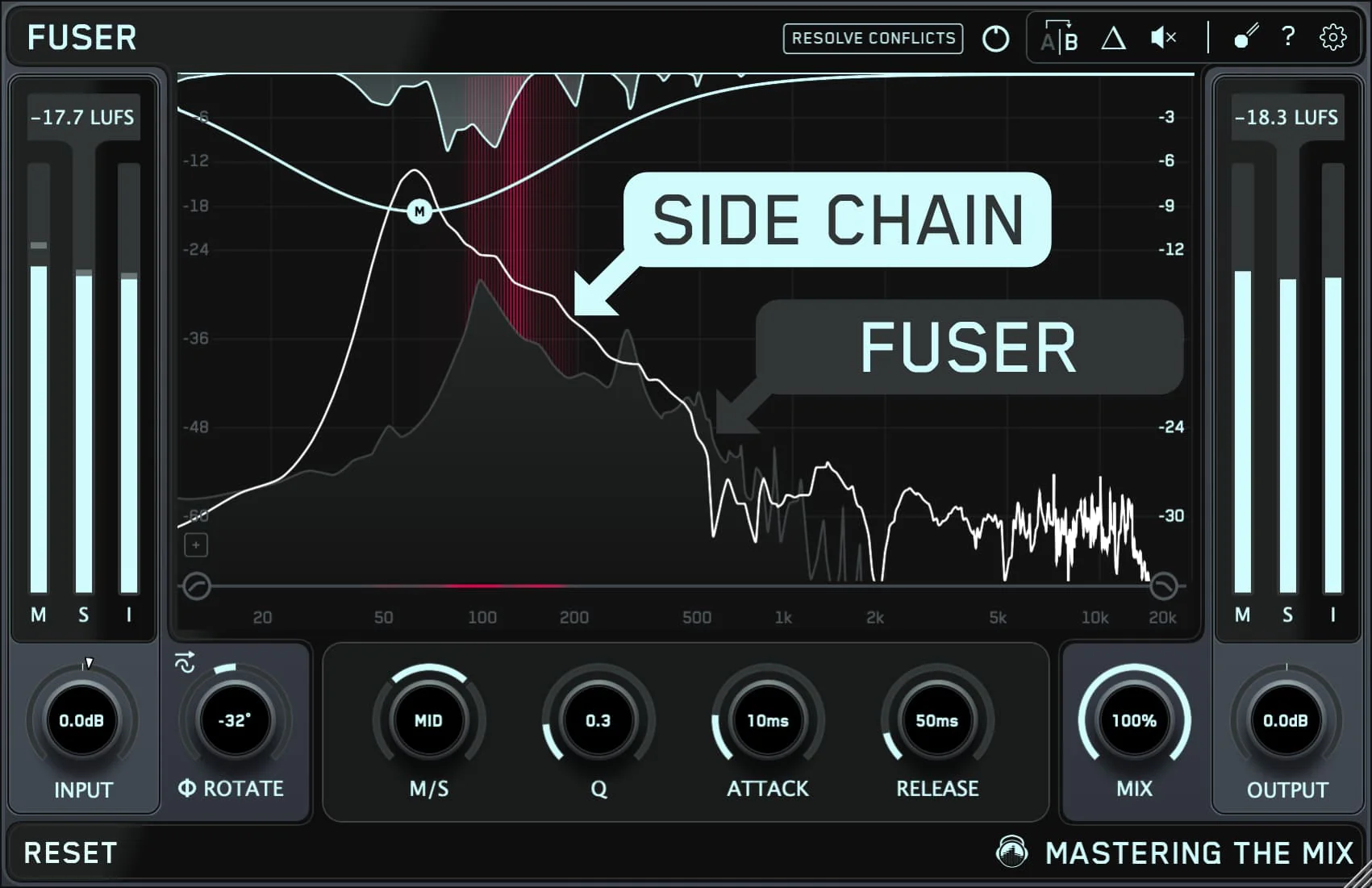
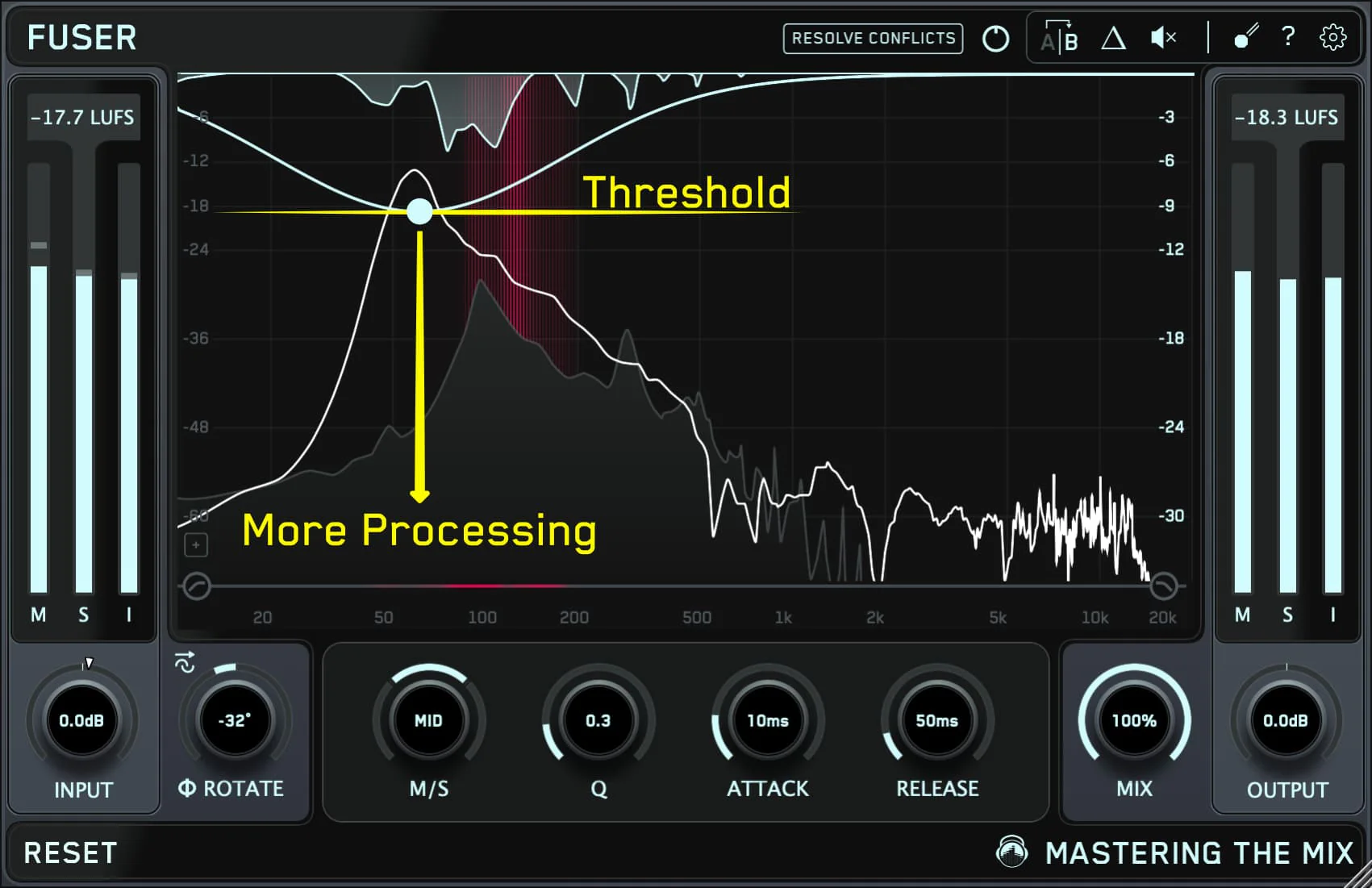
Frequency masking happens when two instruments compete in the same frequency range and both lose clarity. FUSER detects where this is happening between two tracks and suggests dynamic EQ moves that act only when the competing signal is present, leaving the rest of the audio untouched.
How To Use FUSER
- Insert FUSER on the track you want to process, then feed the competing track into the sidechain so FUSER can detect where the two signals clash.
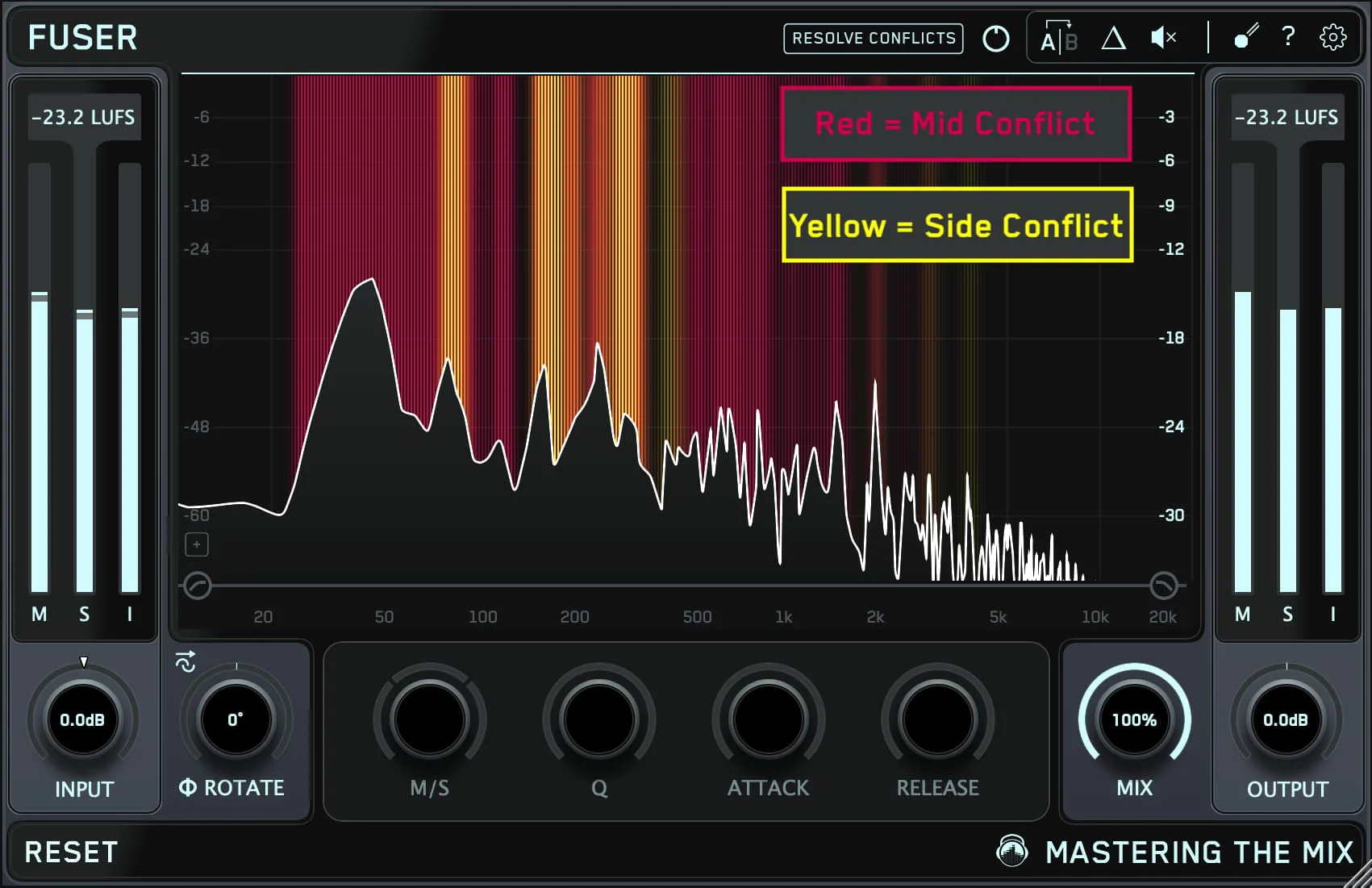
- FUSER analyses both signals and highlights the clashing frequency regions.
- Apply the suggested dynamic EQ moves, or fine-tune them manually.
For kick and bass, place FUSER on the bass and sidechain the kick, so the bass can move out of the way only when the kick hits.
Key Features
- Visual masking detection between two tracks
- Dynamic EQ cuts that react to the sidechain signal
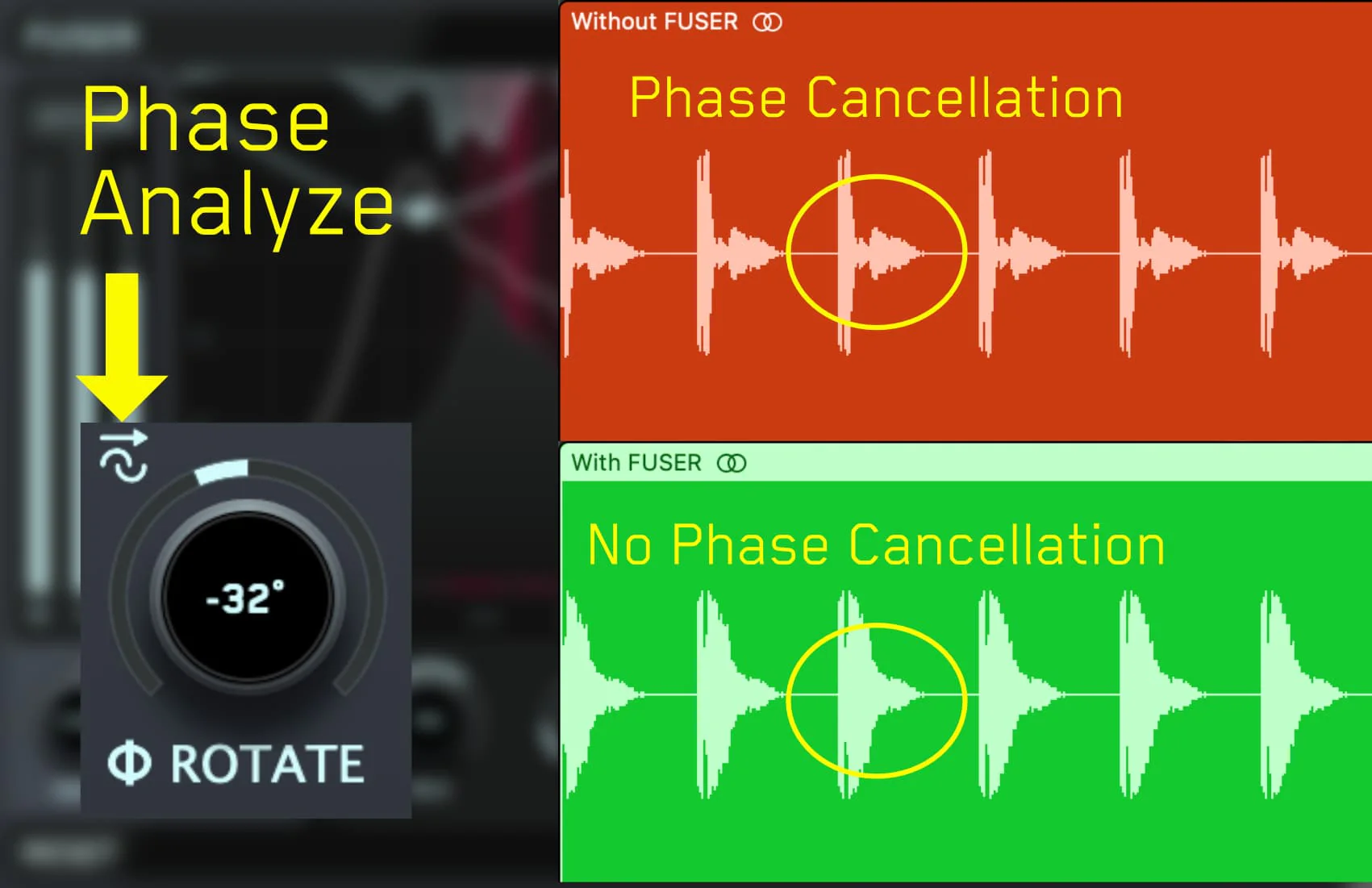
- Phase rotation tools for improving low-end focus
- Volume balancing suggestions based on perceived loudness
- Multiple simultaneous masking bands
- Sidechain support in any major DAW
Common Use Cases
- Kick vs. bass separation
- Vocal vs. lead synth or guitar separation
- Snare vs. guitar separation
- Pad vs. piano clarity
- Sub bass vs. kick drum sub-fundamental conflicts
FAQ
What is FUSER?
FUSER is an audio plugin that helps producers identify and reduce frequency masking between two tracks using sidechain-triggered dynamic EQ and visual conflict detection.
Is FUSER a sidechain compressor?
No — FUSER applies sidechain-triggered dynamic EQ, which is more frequency-specific than broadband compression.
Does FUSER work on the master bus?
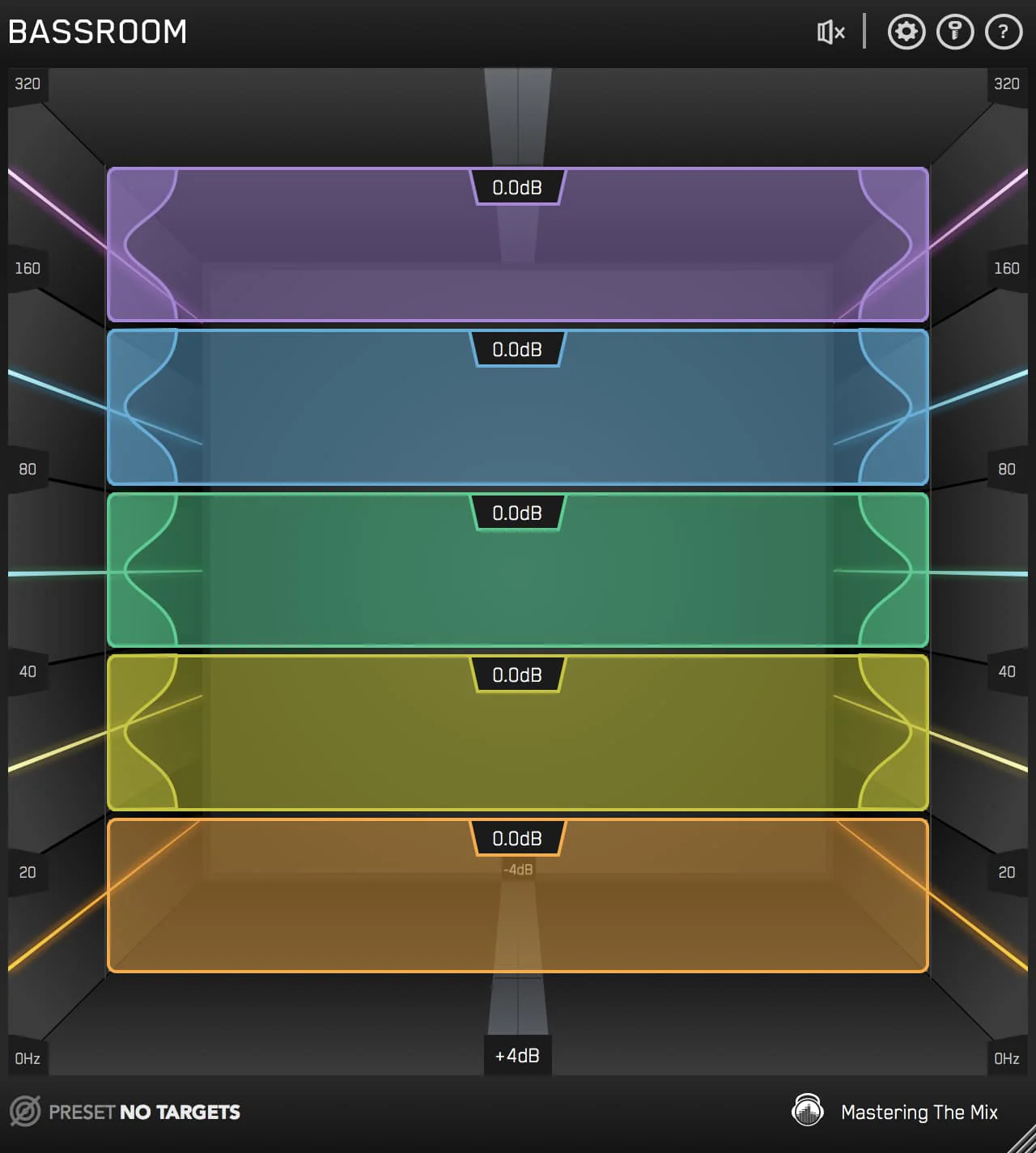
FUSER is designed for track-to-track unmasking. For master-bus EQ, BASSROOM and MIXROOM are more appropriate.
Product Information
Product Information
Shipping & Returns
Shipping & Returns
Description
Product Name: FUSER
Product Type: Audio plugin
Brand: Mastering The Mix
Primary Category: Frequency masking / unmasking plugin
Primary Use: Identifying and reducing frequency masking between two tracks
Best For: Kick and bass, vocals and instruments, layered drums, dense mixes
Formats: VST3, AU, AAX
Platforms: macOS and Windows
License: 2 license seats as standard
Description
FUSER is an audio plugin from Mastering The Mix that helps producers identify and reduce frequency masking between two tracks using intelligent dynamic EQ and visual conflict detection. It analyses both signals, highlights overlapping frequency regions, and applies sidechain-triggered EQ moves so each element has more space.
What FUSER Does
Frequency masking happens when two instruments compete in the same frequency range and both lose clarity. FUSER detects where this is happening between two tracks and suggests dynamic EQ moves that act only when the competing signal is present, leaving the rest of the audio untouched.
How To Use FUSER
- Insert FUSER on the track you want to process, then feed the competing track into the sidechain so FUSER can detect where the two signals clash.
- FUSER analyses both signals and highlights the clashing frequency regions.
- Apply the suggested dynamic EQ moves, or fine-tune them manually.
For kick and bass, place FUSER on the bass and sidechain the kick, so the bass can move out of the way only when the kick hits.
Key Features
- Visual masking detection between two tracks
- Dynamic EQ cuts that react to the sidechain signal
- Phase rotation tools for improving low-end focus
- Volume balancing suggestions based on perceived loudness
- Multiple simultaneous masking bands
- Sidechain support in any major DAW
Common Use Cases
- Kick vs. bass separation
- Vocal vs. lead synth or guitar separation
- Snare vs. guitar separation
- Pad vs. piano clarity
- Sub bass vs. kick drum sub-fundamental conflicts
FAQ
What is FUSER?
FUSER is an audio plugin that helps producers identify and reduce frequency masking between two tracks using sidechain-triggered dynamic EQ and visual conflict detection.
Is FUSER a sidechain compressor?
No — FUSER applies sidechain-triggered dynamic EQ, which is more frequency-specific than broadband compression.
Does FUSER work on the master bus?
FUSER is designed for track-to-track unmasking. For master-bus EQ, BASSROOM and MIXROOM are more appropriate.