STEREOVAULT | Get The Right Stereo Width
Product Name: STEREOVAULT
Product Type: Audio plugin
Brand: Mastering The Mix
Primary Category: Stereo imaging and width plugin
Primary Use: Analysing, targeting, and shaping stereo width across the frequency spectrum
Best For: Master bus stereo balance, instrument bus widening, drum bus stereo control, mono compatibility checks
Formats: VST3, AU, AAX
Platforms: macOS and Windows
License: 2 license seats as standard
Description
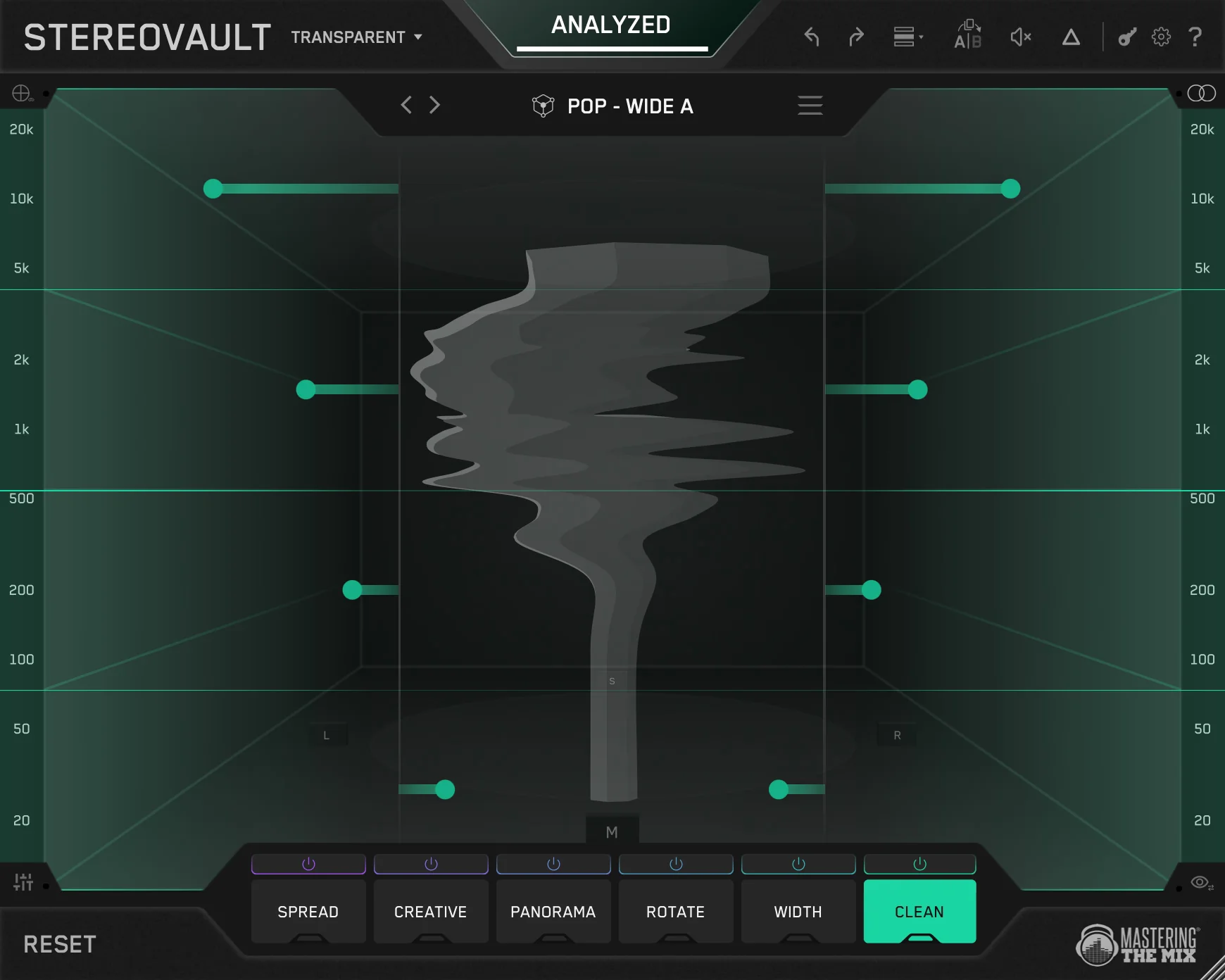
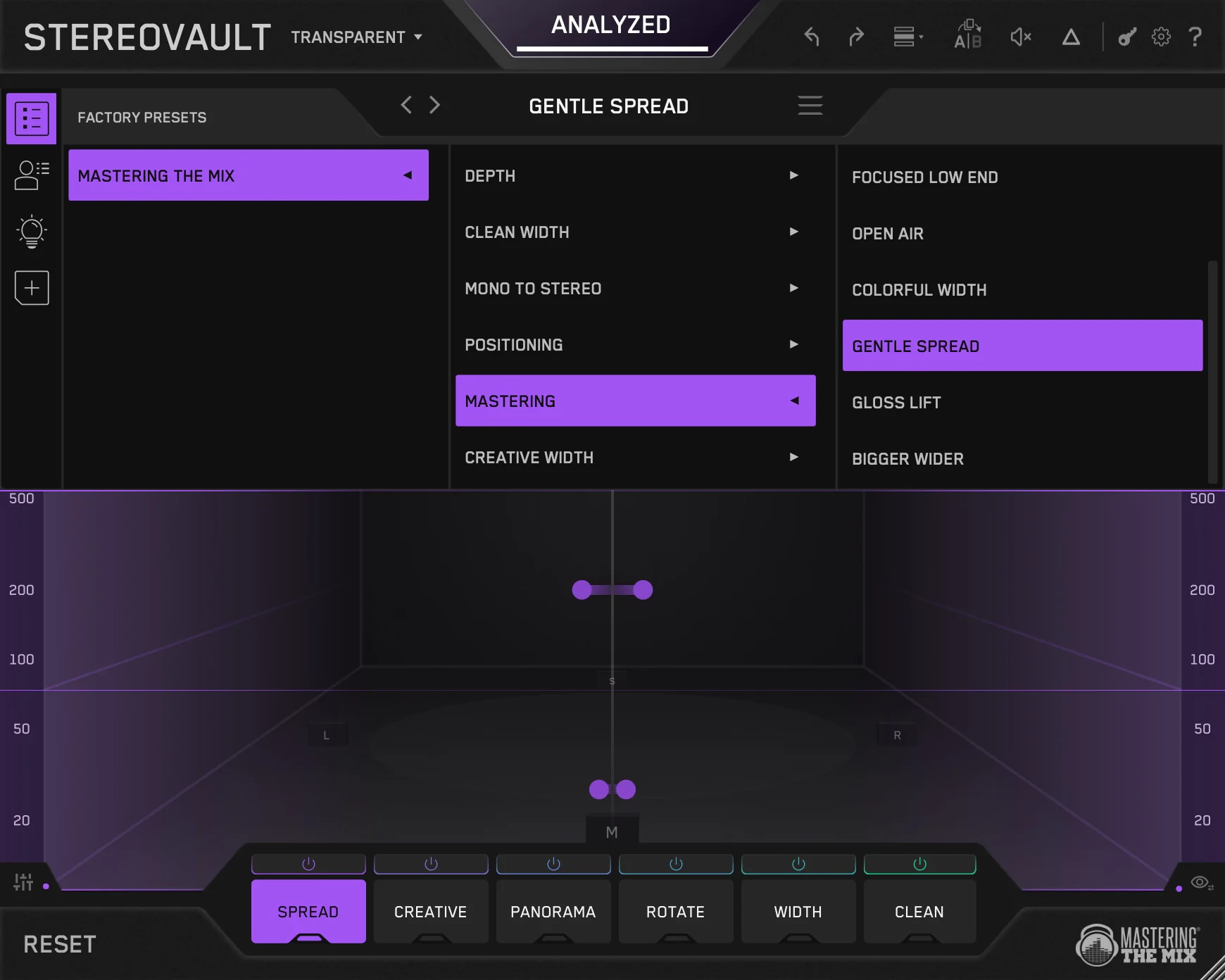
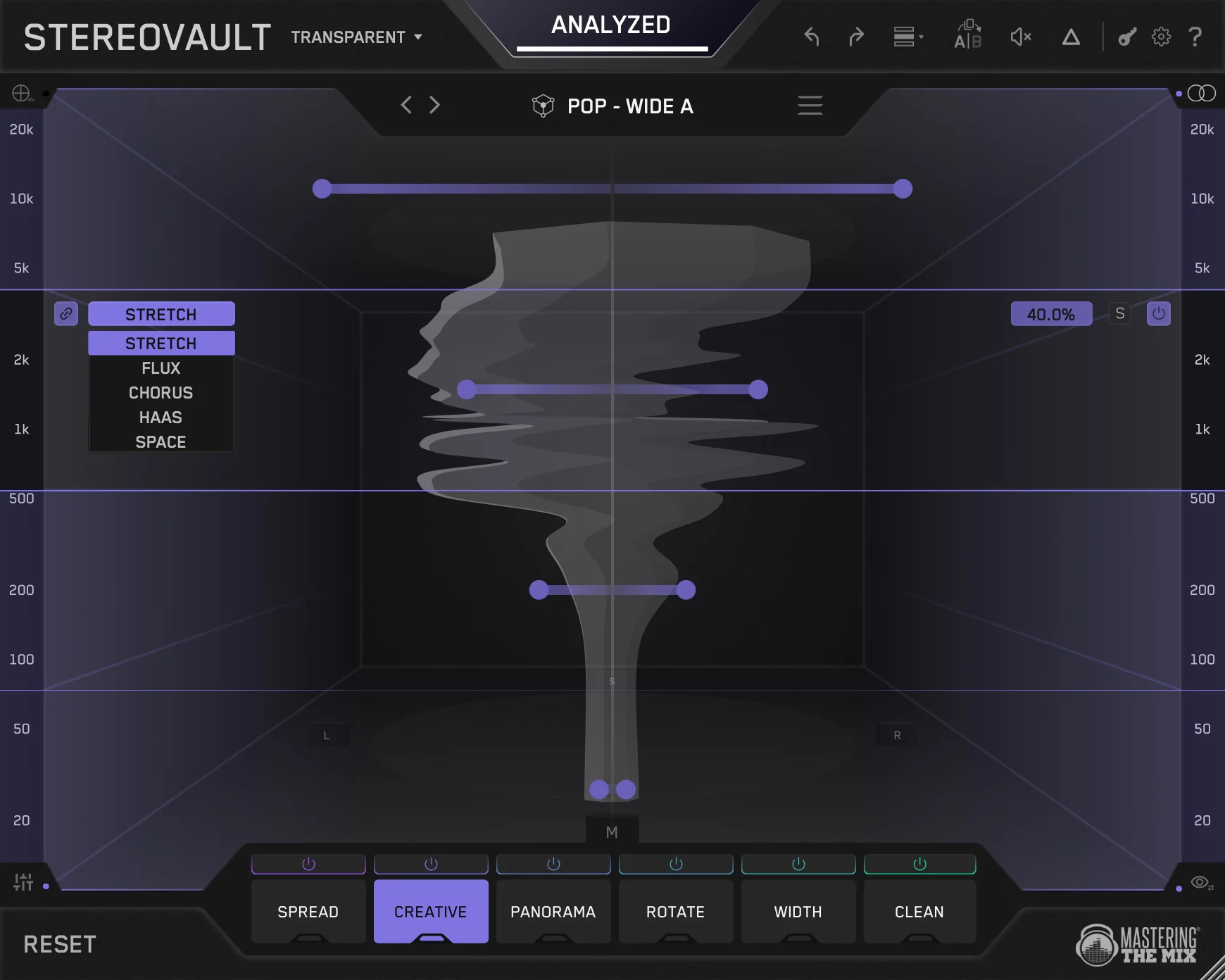
STEREOVAULT is a stereo imaging plugin from Mastering The Mix that helps producers analyse, target, and shape stereo width across the frequency spectrum. It includes transparent and creative width processing, frequency-specific stereo control, reference-based width targets, level-matched A/B comparison, and 2D/3D visual feedback for stereo width and phase.
What STEREOVAULT Does
STEREOVAULT brings multiple stereo imaging styles into one environment, each accessible from its own tab. Users can apply transparent width changes, more creative spatial effects, frequency-specific panning, mid/side EQ, and stereo field rotation. Reference-based targets and level-matched A/B make it easier to judge changes accurately.
How To Use STEREOVAULT
- Insert STEREOVAULT on the master bus, mix bus, or any stereo track.
- Use the relevant tab for the type of stereo processing you need.
- Reference a target track if helpful.
- Use the 2D and 3D visualiser, correlation meter, and mono compatibility feedback to guide adjustments.
- Use level-matched A/B to compare results without volume bias.
Key Features
- SPREAD tab for transparent width algorithms
- CREATIVE tab for wider spatial effects
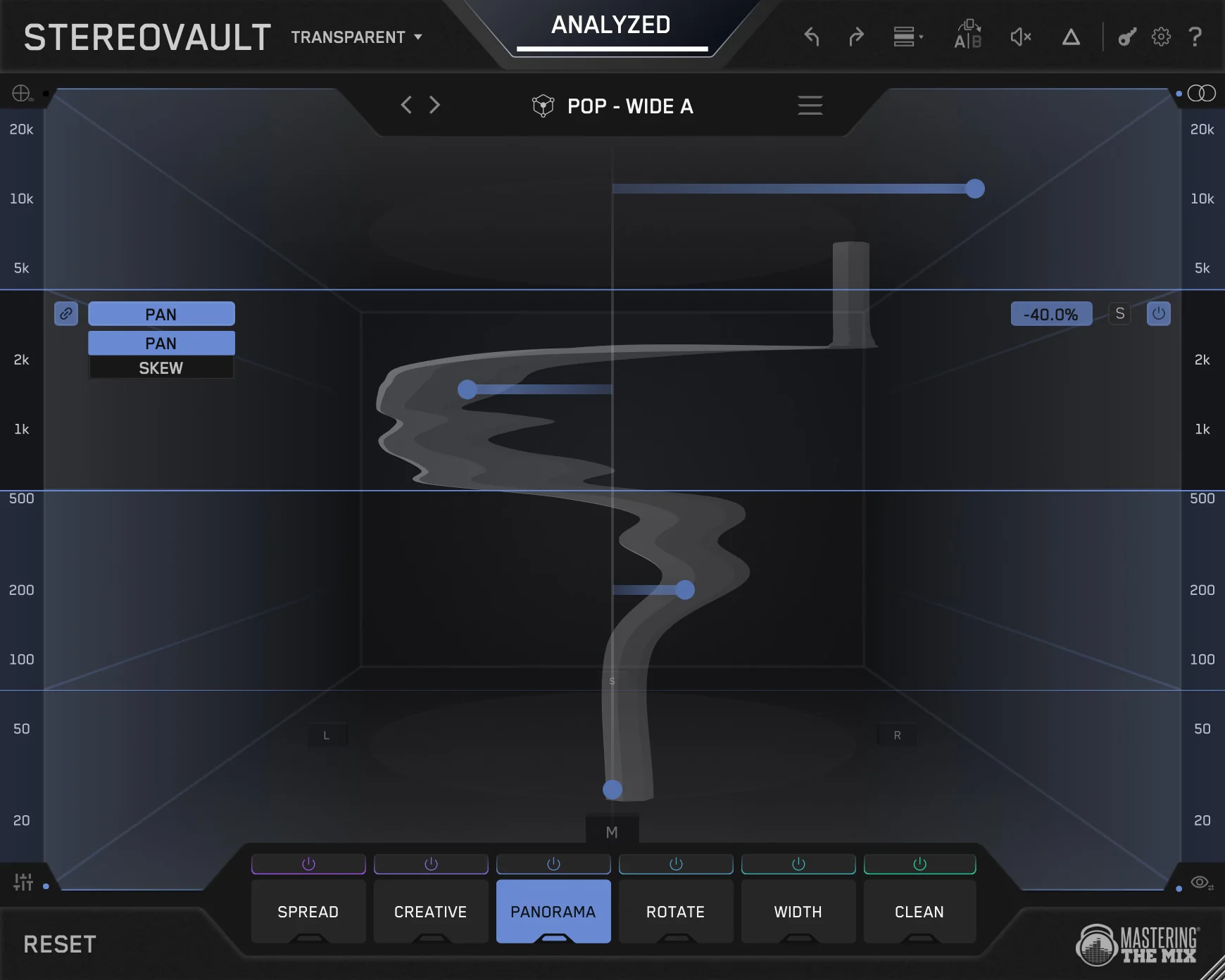
- PANORAMA tab for frequency-specific panning and positioning
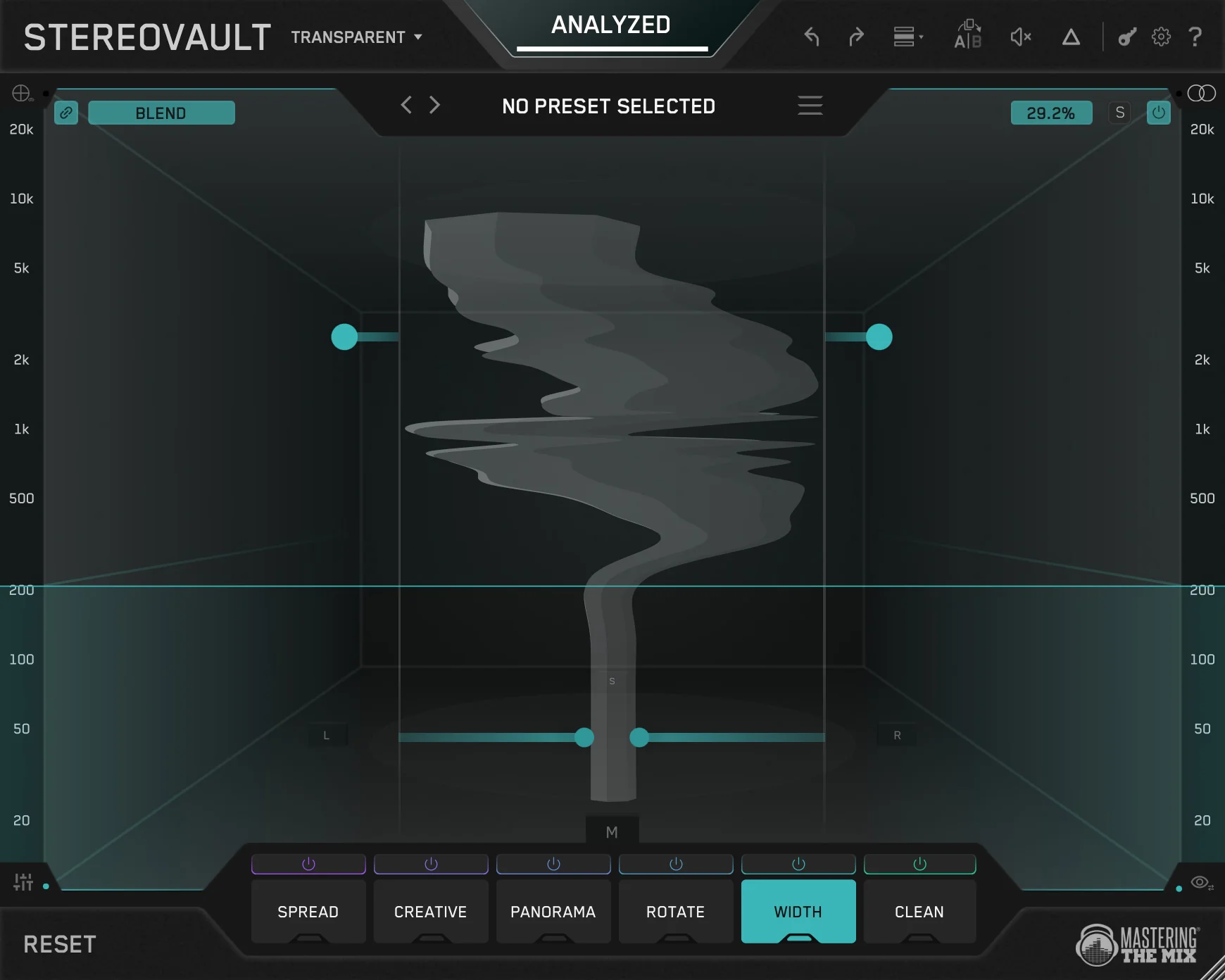
- WIDTH tab for redistributing mid/side energy
- CLEAN tab for transparent mid or side EQ
- ROTATE tab for rotating stereo field energy
- Transparent Mode for clean shared-band processing
- Flexible Mode for independent per-tab band layouts
- 2D and 3D stereo visualiser
- Reference-based stereo width targets
- Level-matched A/B comparison
- Mono compatibility and phase feedback
Common Use Cases
- Shaping master-bus stereo width for streaming and club playback
- Widening overheads and instrument buses while keeping low end controlled
- Frequency-specific panning and positioning on dense mixes
- Mid/side EQ adjustments
- Checking mono compatibility before release
FAQ
What is STEREOVAULT?
STEREOVAULT is a stereo imaging plugin with multiple processing styles, reference-based width targets, level-matched A/B comparison, and 2D/3D visual feedback.
Will STEREOVAULT affect mono compatibility?
STEREOVAULT gives visual feedback and mono compatibility checks so users can make width decisions with more confidence.
Can STEREOVAULT be used for mastering?
Yes — STEREOVAULT includes processing styles and feedback suitable for master-bus stereo imaging.
Does STEREOVAULT widen mono tracks?
STEREOVAULT works with stereo content. It is not a mono-to-stereo converter, but it gives detailed control over any audio that already has a stereo image.
Product Information
Product Information
Shipping & Returns
Shipping & Returns
Description
Product Name: STEREOVAULT
Product Type: Audio plugin
Brand: Mastering The Mix
Primary Category: Stereo imaging and width plugin
Primary Use: Analysing, targeting, and shaping stereo width across the frequency spectrum
Best For: Master bus stereo balance, instrument bus widening, drum bus stereo control, mono compatibility checks
Formats: VST3, AU, AAX
Platforms: macOS and Windows
License: 2 license seats as standard
Description
STEREOVAULT is a stereo imaging plugin from Mastering The Mix that helps producers analyse, target, and shape stereo width across the frequency spectrum. It includes transparent and creative width processing, frequency-specific stereo control, reference-based width targets, level-matched A/B comparison, and 2D/3D visual feedback for stereo width and phase.
What STEREOVAULT Does
STEREOVAULT brings multiple stereo imaging styles into one environment, each accessible from its own tab. Users can apply transparent width changes, more creative spatial effects, frequency-specific panning, mid/side EQ, and stereo field rotation. Reference-based targets and level-matched A/B make it easier to judge changes accurately.
How To Use STEREOVAULT
- Insert STEREOVAULT on the master bus, mix bus, or any stereo track.
- Use the relevant tab for the type of stereo processing you need.
- Reference a target track if helpful.
- Use the 2D and 3D visualiser, correlation meter, and mono compatibility feedback to guide adjustments.
- Use level-matched A/B to compare results without volume bias.
Key Features
- SPREAD tab for transparent width algorithms
- CREATIVE tab for wider spatial effects
- PANORAMA tab for frequency-specific panning and positioning
- WIDTH tab for redistributing mid/side energy
- CLEAN tab for transparent mid or side EQ
- ROTATE tab for rotating stereo field energy
- Transparent Mode for clean shared-band processing
- Flexible Mode for independent per-tab band layouts
- 2D and 3D stereo visualiser
- Reference-based stereo width targets
- Level-matched A/B comparison
- Mono compatibility and phase feedback
Common Use Cases
- Shaping master-bus stereo width for streaming and club playback
- Widening overheads and instrument buses while keeping low end controlled
- Frequency-specific panning and positioning on dense mixes
- Mid/side EQ adjustments
- Checking mono compatibility before release
FAQ
What is STEREOVAULT?
STEREOVAULT is a stereo imaging plugin with multiple processing styles, reference-based width targets, level-matched A/B comparison, and 2D/3D visual feedback.
Will STEREOVAULT affect mono compatibility?
STEREOVAULT gives visual feedback and mono compatibility checks so users can make width decisions with more confidence.
Can STEREOVAULT be used for mastering?
Yes — STEREOVAULT includes processing styles and feedback suitable for master-bus stereo imaging.
Does STEREOVAULT widen mono tracks?
STEREOVAULT works with stereo content. It is not a mono-to-stereo converter, but it gives detailed control over any audio that already has a stereo image.